Season Calendar

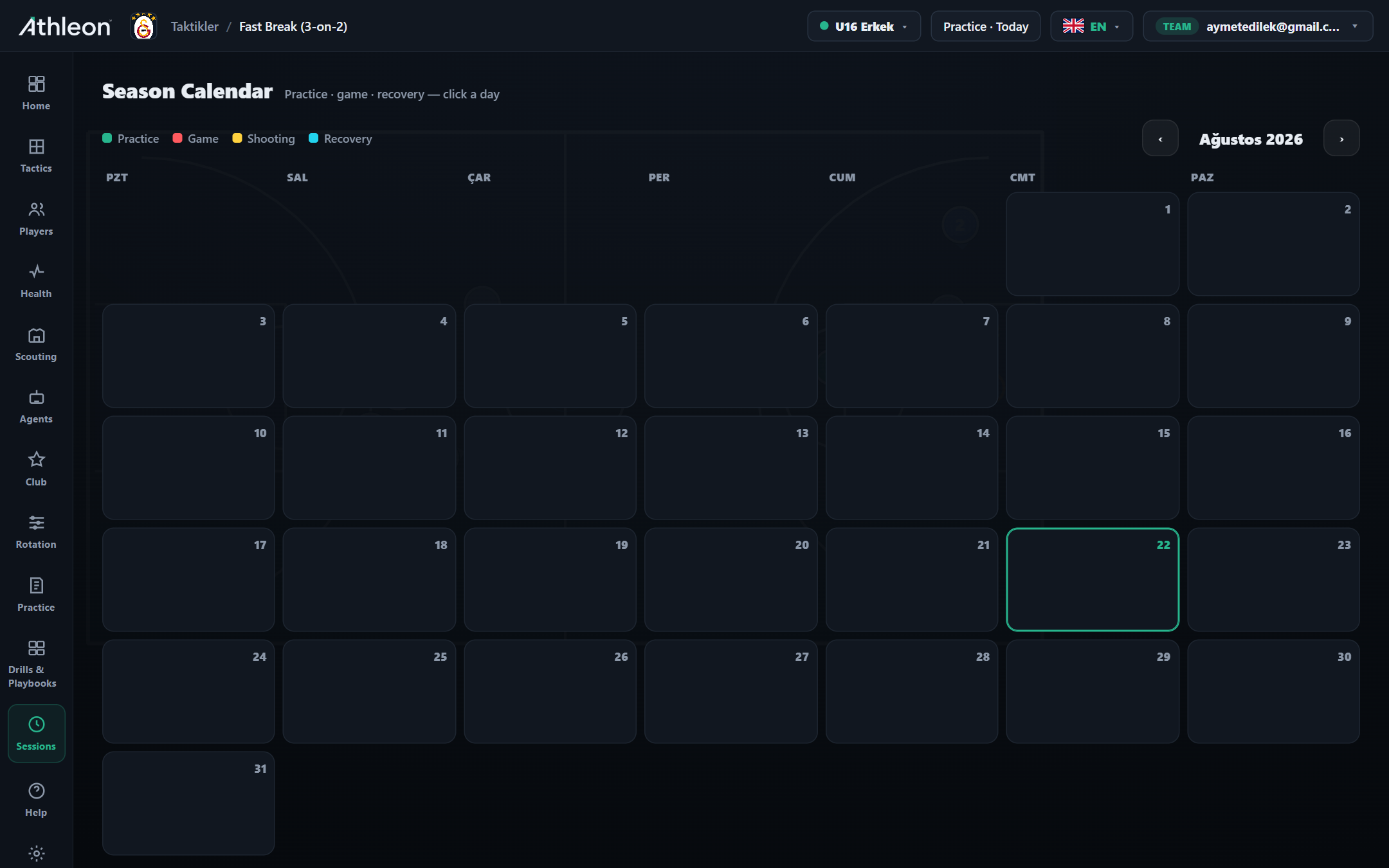
Plan practice, games, recovery and shooting days in a single monthly view; click a day and add a session in seconds. See the season flow at a glance with color codes, share and export the plan.

Season Calendar

Season Calendar

Plan practice, games, recovery and shooting days in a single monthly view; click a day and add a session in seconds. See the season flow at a glance with color codes, share and export the plan.

  • Practice · game · recovery · shooting
  • Click a day, add a session
  • Monthly view and export

Start Free

How it works

Step by step

1

Open the calendar

See the full season in monthly view. Navigate to previous and next months with arrow buttons; today is highlighted.

2

Click a day and add a session

Click any calendar square; select Practice, Game, Shooting Day or Recovery. Add an optional note and save.

3

Read the color distribution

The balance of green (practice) and orange (game) blocks per week shows the load. Add recovery days to heavy weeks.

4

Export and share

Print the monthly calendar as PDF or export as iCal. Share with your assistant coach and team administration.

Features

Power in every detail

4 session types

Practice (green), Game (orange), Shooting Day (yellow) and Recovery (blue) — colors show load at a glance.

Click a day & add

Click any day; select session type and save. The calendar updates in seconds.

Share & export

Export the monthly plan as PDF or iCal; share with assistant coaches and administration.

Load balance analysis

Read heavy and light weeks from the color distribution; add recovery days to balance the load.

Multiple teams

Manage senior, B-team and youth calendars separately; spot gym conflicts in advance.

Inside the app

Every detail at your fingertips

p
p
e
e
How it works in practice

Real-world use cases

Scenario

Load distribution at season start

Map every game and practice week from October to March into the calendar. Front-load recovery days in heavy weeks; see the balance at a glance.

Scenario

Tournament-week management

Fit three games, two practices and a recovery day into the same week. Color blocks show conflicts instantly; share the plan to the team group.

Scenario

Shared club calendar

Keep academy and senior-team calendars side by side. Spot gym-time conflicts in advance, send the exported plan to your assistant coach in one click.

Ready to take your club to the next level?

Try Athleon free — draw tactics, manage your roster, plan practice and track the full season on one platform.

Start Free